Learn how to use Annotik
Quick guides and walkthroughs to help you capture feedback, manage issues, collaborate with your team, and get the most out of Annotik.

What is Annotik ?
Annotik is a free visual bug reporting and QA tool for dev teams, designers, QA testers, and agencies. Teams use Annotik to capture bugs from any live website or web app — without switching tools, uploading files, or writing paragraph explanations. Every report auto-captures browser, OS, screen resolution, and page URL.
How to capture an issue and annotate it.
Learn how to capture feedback directly on your website or product without writing a long explanation.
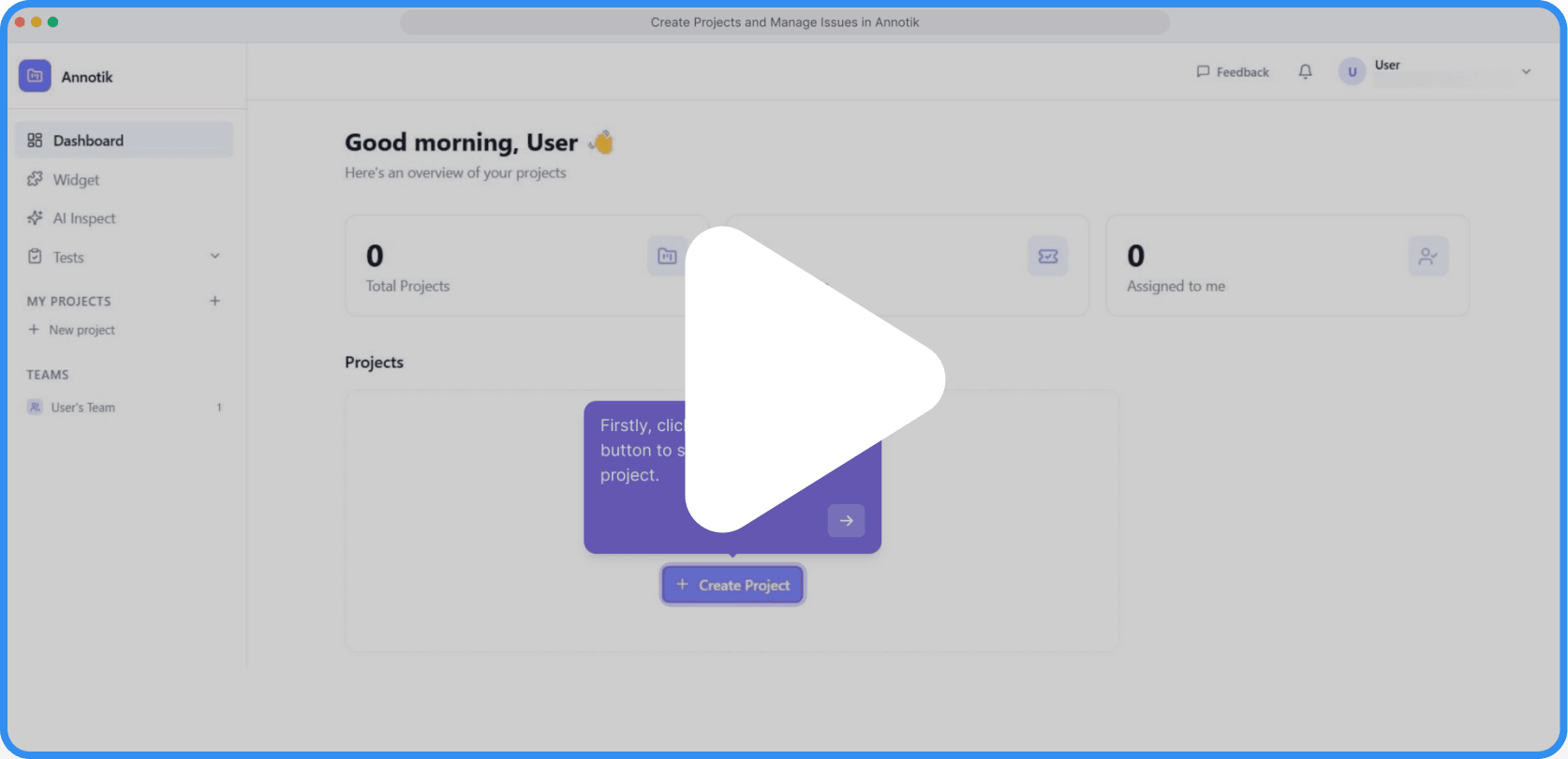
How to install and use the chrome extension.
See something? Learn how to capture it right from your browser.
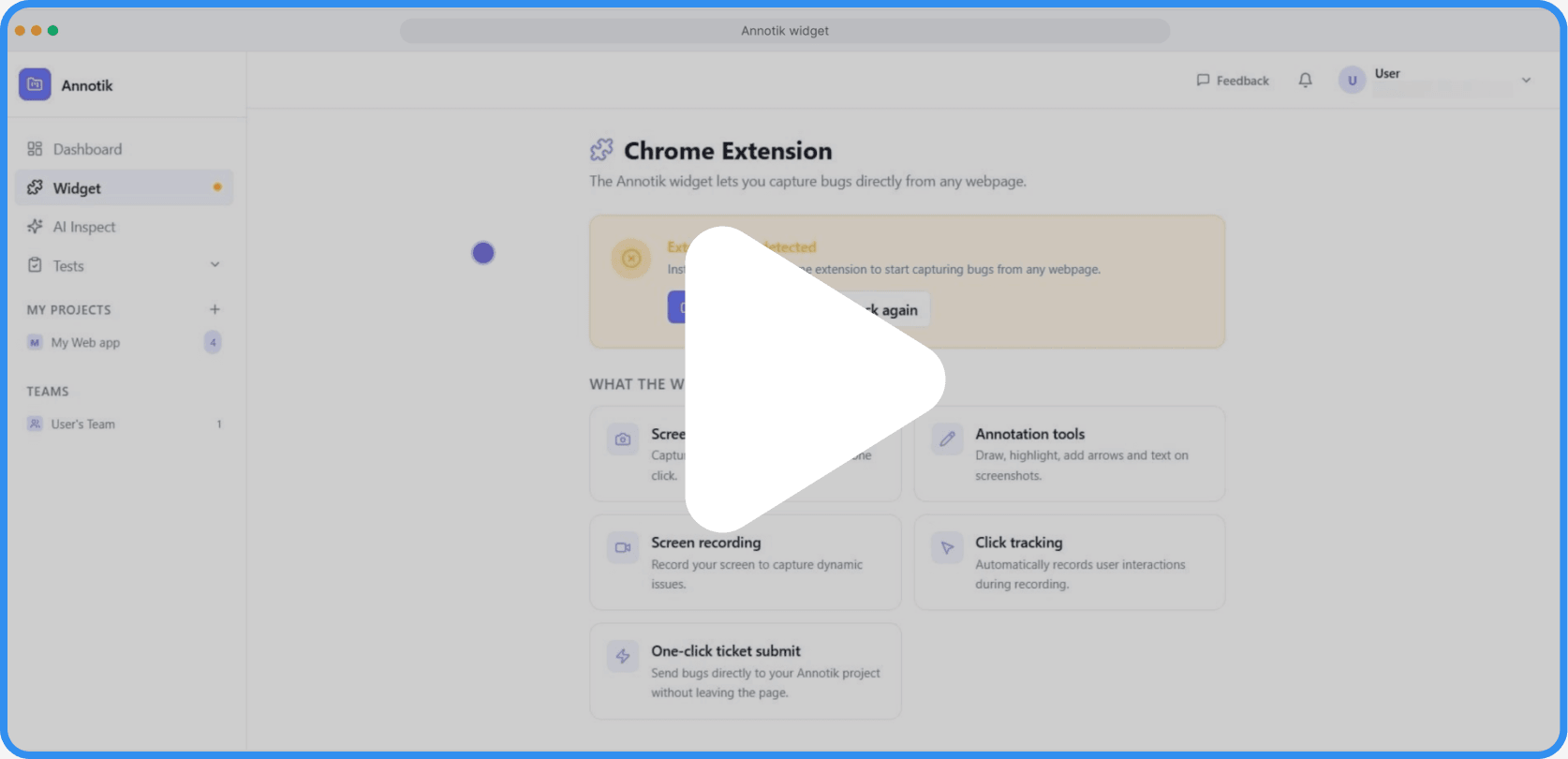
How to compare your design with developed product with AI Inspect
Learn how to conduct AI Inspection and make your work easier.
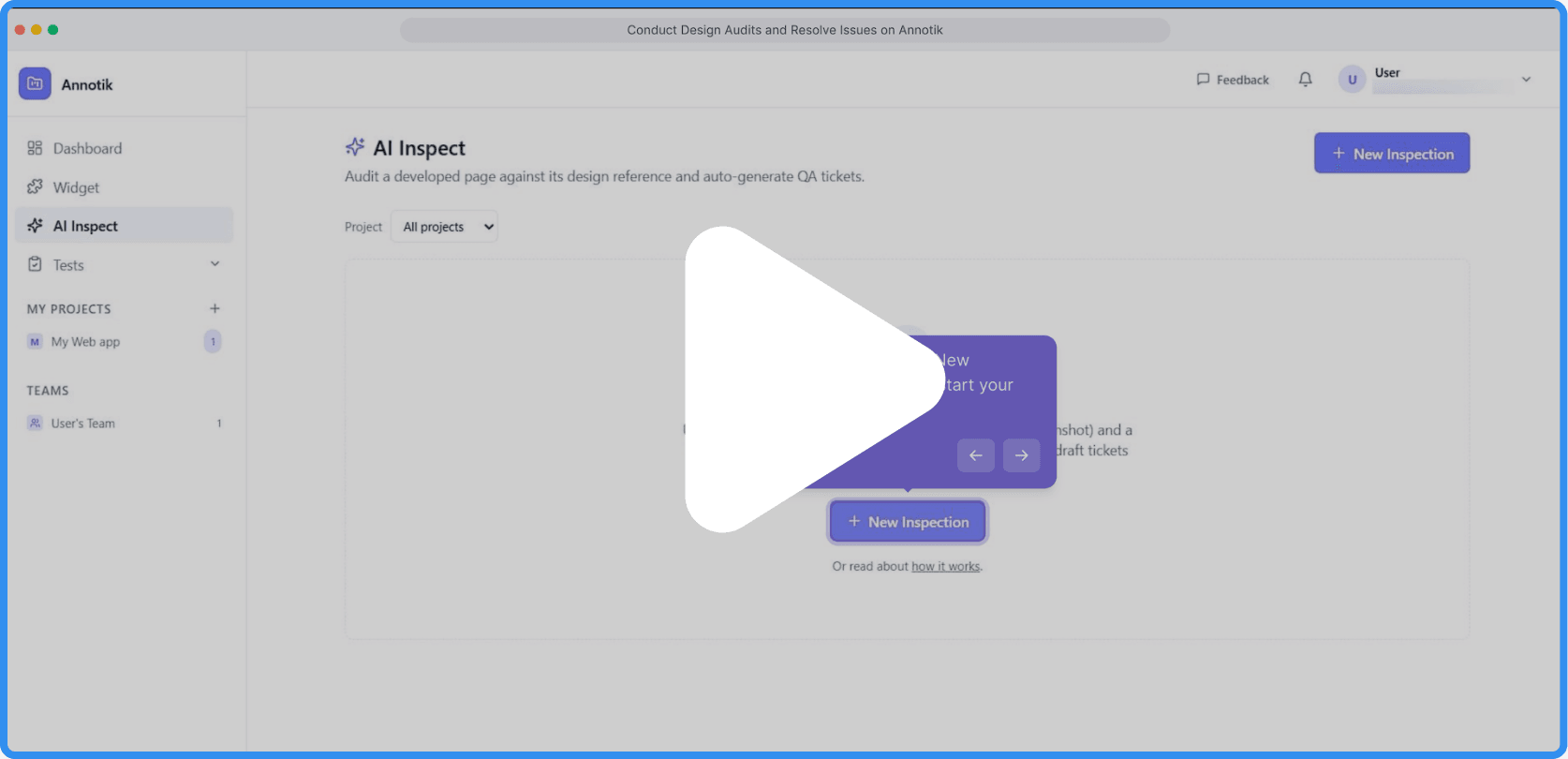
How to manage and track your projects.
Learn how to organize issues, and keep track of what's in progress and resolved.
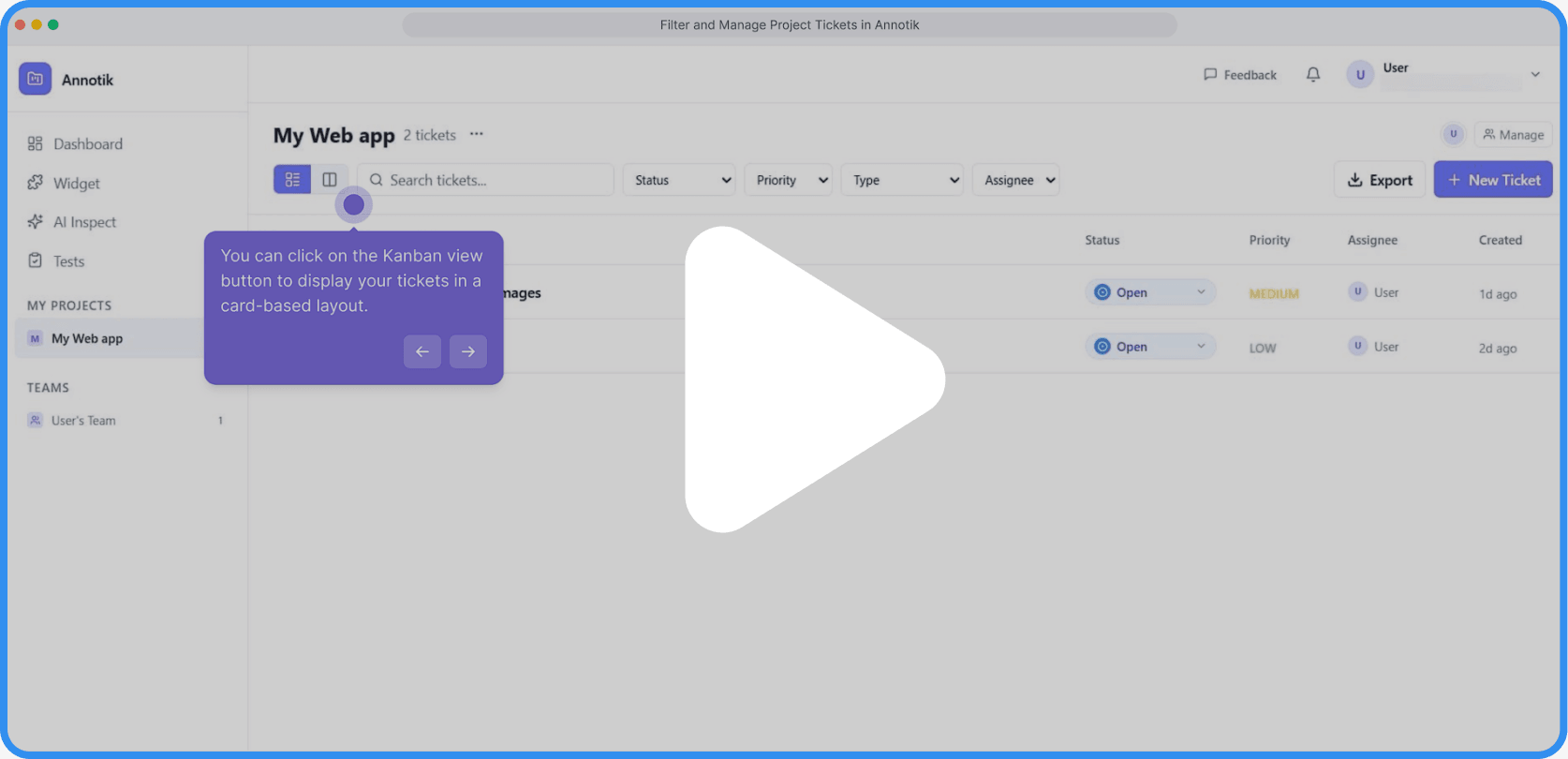
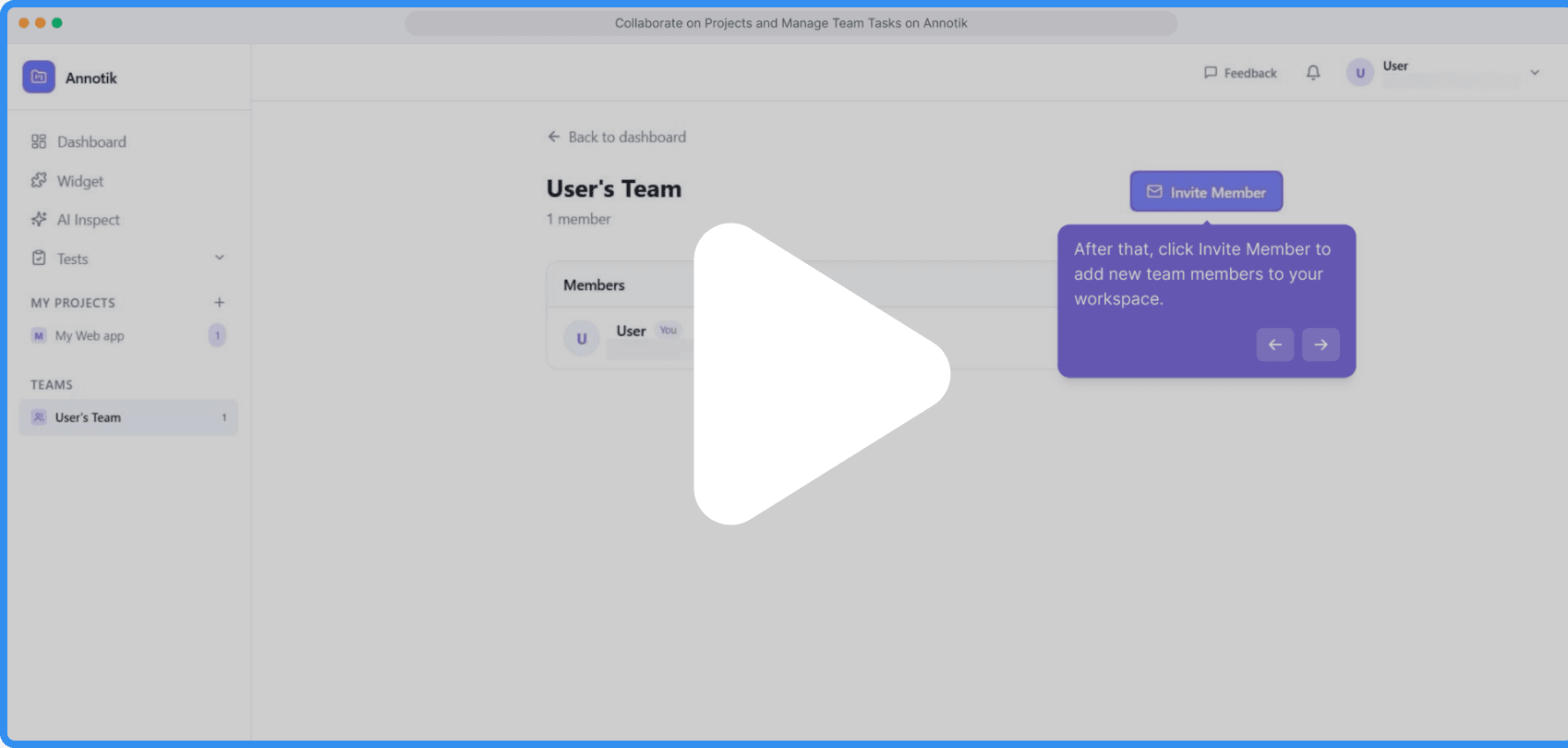
How to invite and assign projects to team members.
Learn how to invite your team, assign issues, and keep everyone clear on what needs to be done.
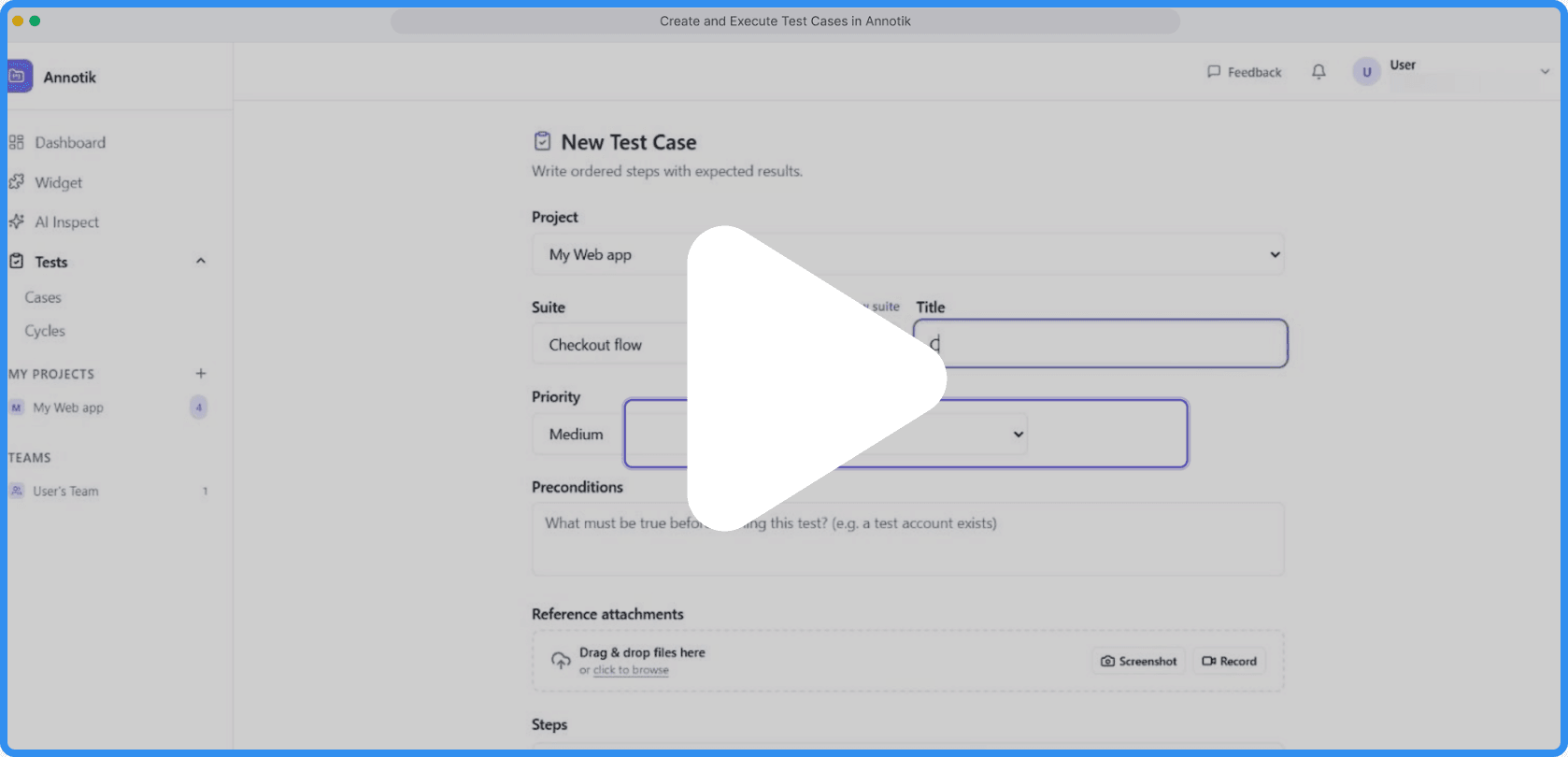
How to make and use reusable tests
Learn how to build your checklist once and reuse it every time you test.









Ready to put Annotik to work?
Start capturing feedback, testing your product, and keeping your team in sync.