









Embeddable feedback widget
Drop a feedback button directly onto a client's staging site, so reporting a bug is one click instead of a screenshot and an email.
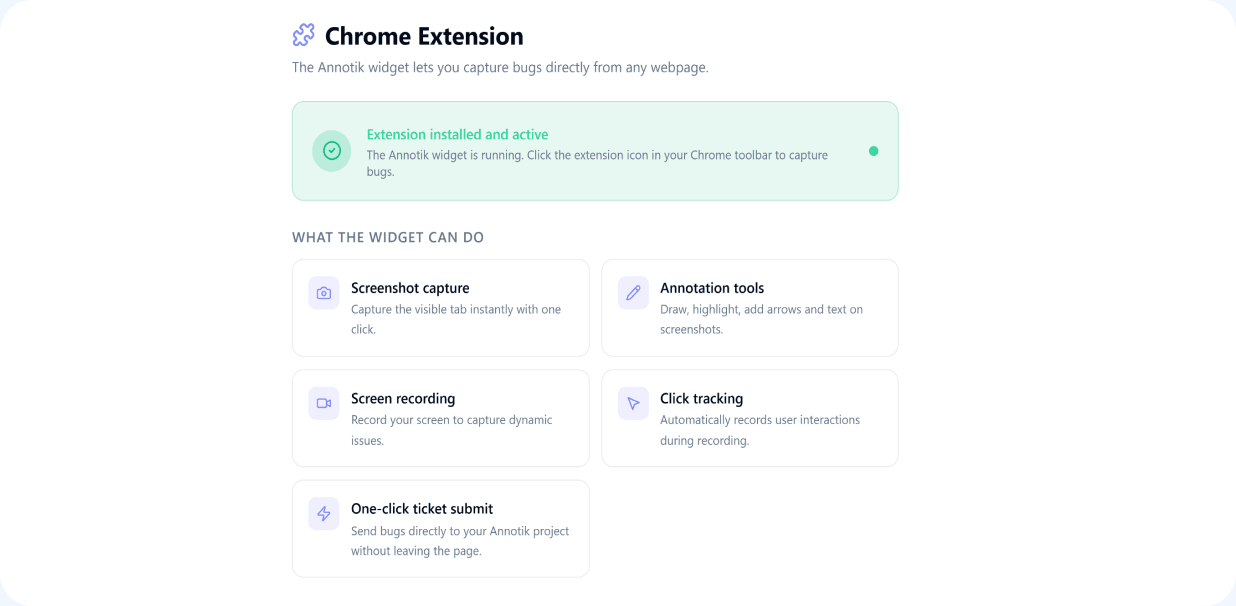
Agencies live in feedback — designers reviewing builds, clients spotting typos, developers buried in Slack screenshots. Annotik replaces the scattered thread with one no-login reporting flow and a ticket board your whole team already knows how to use.
No log in for clients
One board per project
Free as you grow
Everything your agency needs to capture client feedback, keep your team aligned, and move projects from review to resolution.
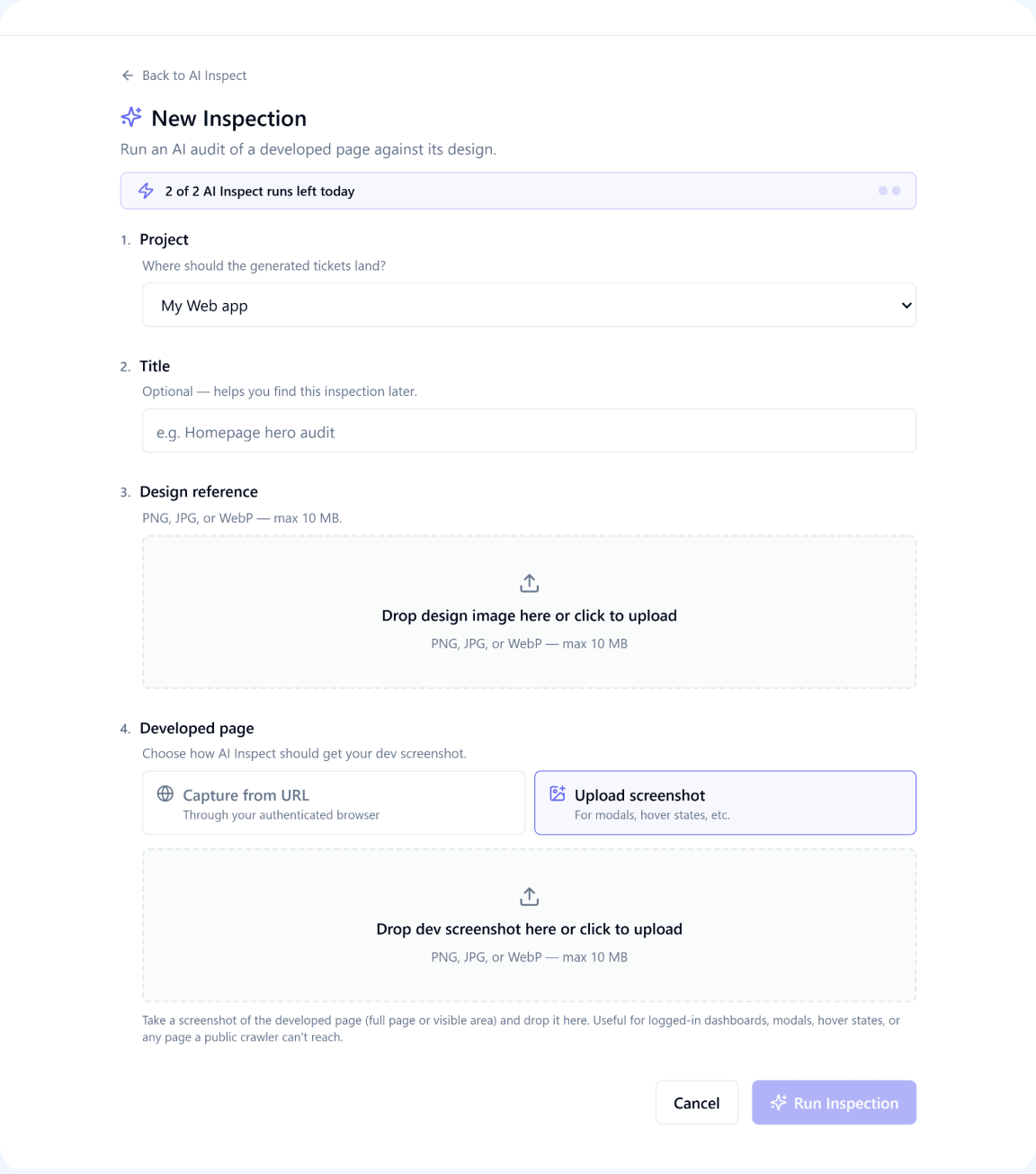
Annotate the build directly, side by side with the design file using AI Inspect, before anything goes to the client.
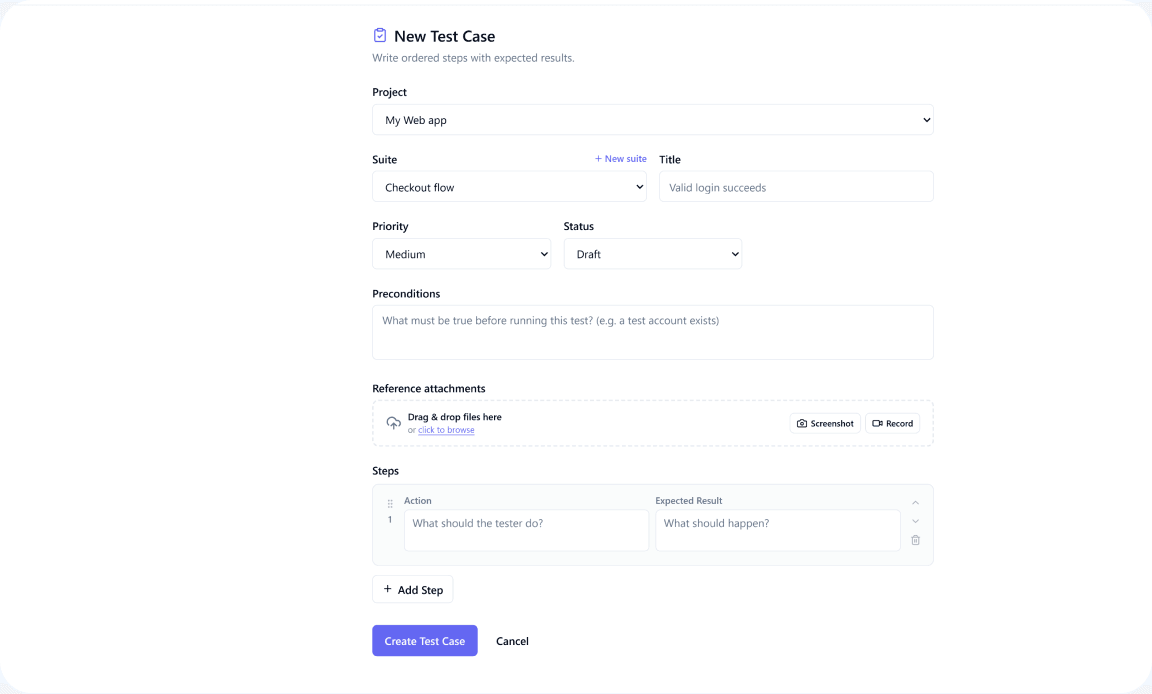
Run your team's checklist as a reusable test case instead of rebuilding it project to project.
Send a link. Clients mark up what's wrong without creating an account or downloading anything.
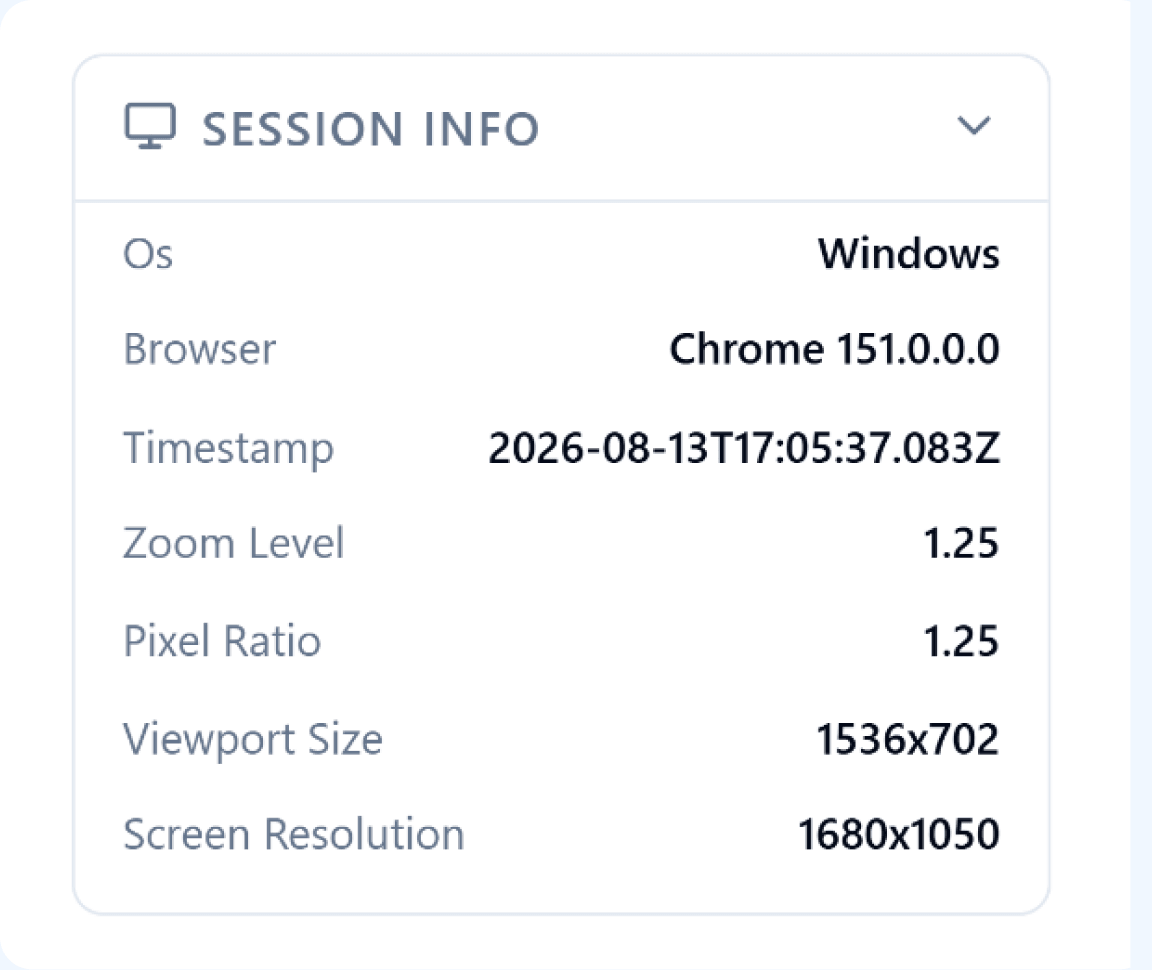
Every report already has the browser, OS, screen resolution, and page URL attached — no back-and-forth asking what they were using.
Move it through the board, mark it done, client gets notified. No status meeting required.
Drop a feedback button directly onto a client's staging site, so reporting a bug is one click instead of a screenshot and an email.
Clients and stakeholders report issues without ever creating an Annotik account.
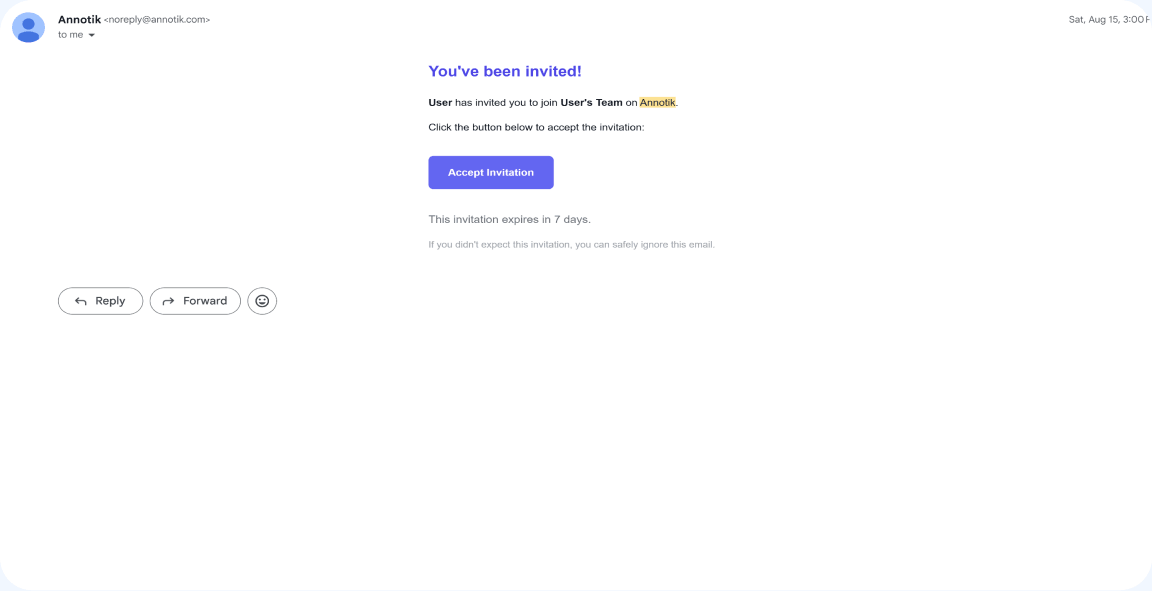
Overlay the approved design file on the live build and catch visual mismatches before the client's the one who spots them.
Build your agency's QA checklist once, reuse it on every project and every release.
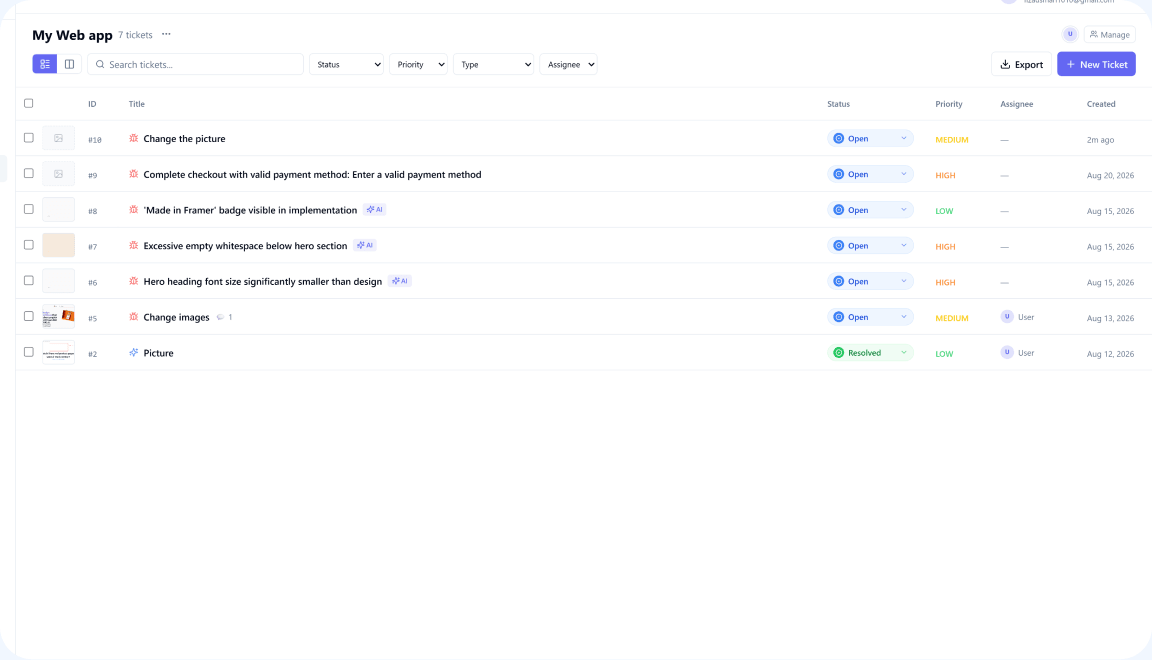
Kanban and list views, filters, and bulk actions — manage every client's feedback without exporting to a separate PM tool.
Browser, OS, screen resolution, and page URL attached to every report automatically.
Give clients an easier way to share feedback and your team a clearer way to turn it into finished work.