VISUAL FEEDBACK

Show, don't explain.

A quick annotation can save five back-and-forth messages. Mark exactly what's wrong with screenshots or screen recordings, so everyone sees the same thing from the start.

Get Started

Screenshot & screen recording

Easy to use annotation tools

Auto-captured technical metadata

Screenshots or screen recordings

Capture exactly what’s happening with screenshots or screen recordings. Show static issues or record interactions when a single image isn’t enough. Screenshot capture with annotation tools and screen recording with click, scroll, and keypress tracking are available.
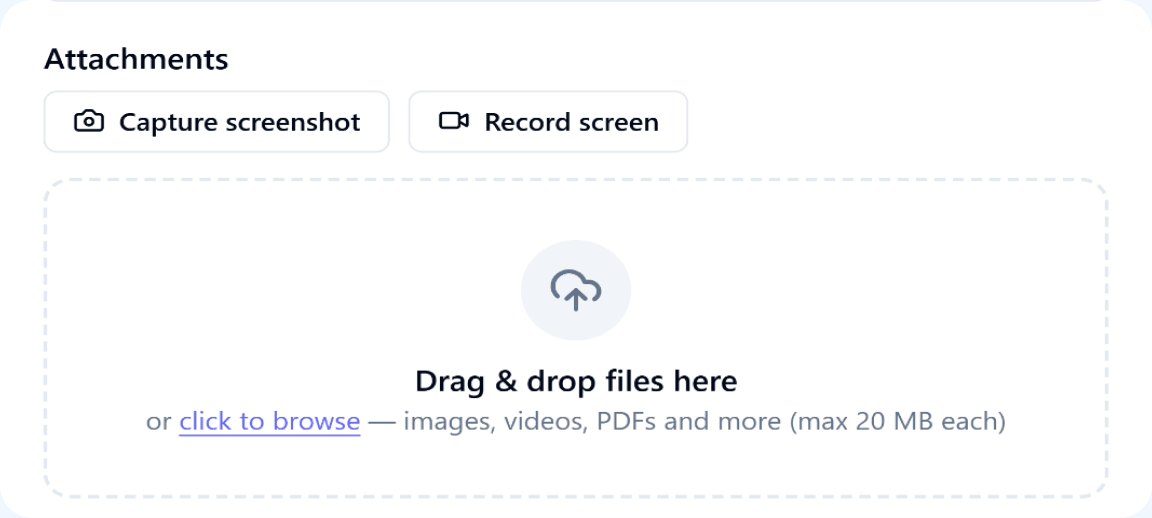
Annotik Visual Feedback — Screenshots or screen recordings

Easy-to-use annotation tools

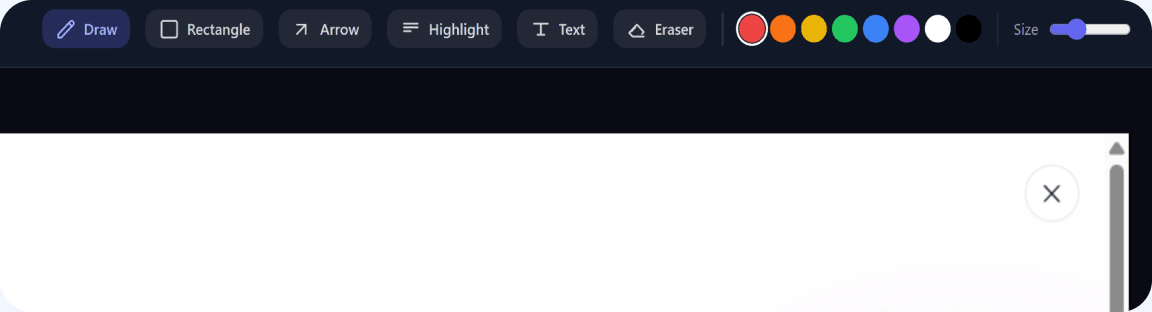
Draw, highlight, add arrows, rectangles, and text directly on your capture to point out exactly what needs attention.

Annotik Visual Feedback — Easy-to-use annotation tools

Auto-capture technical metadata

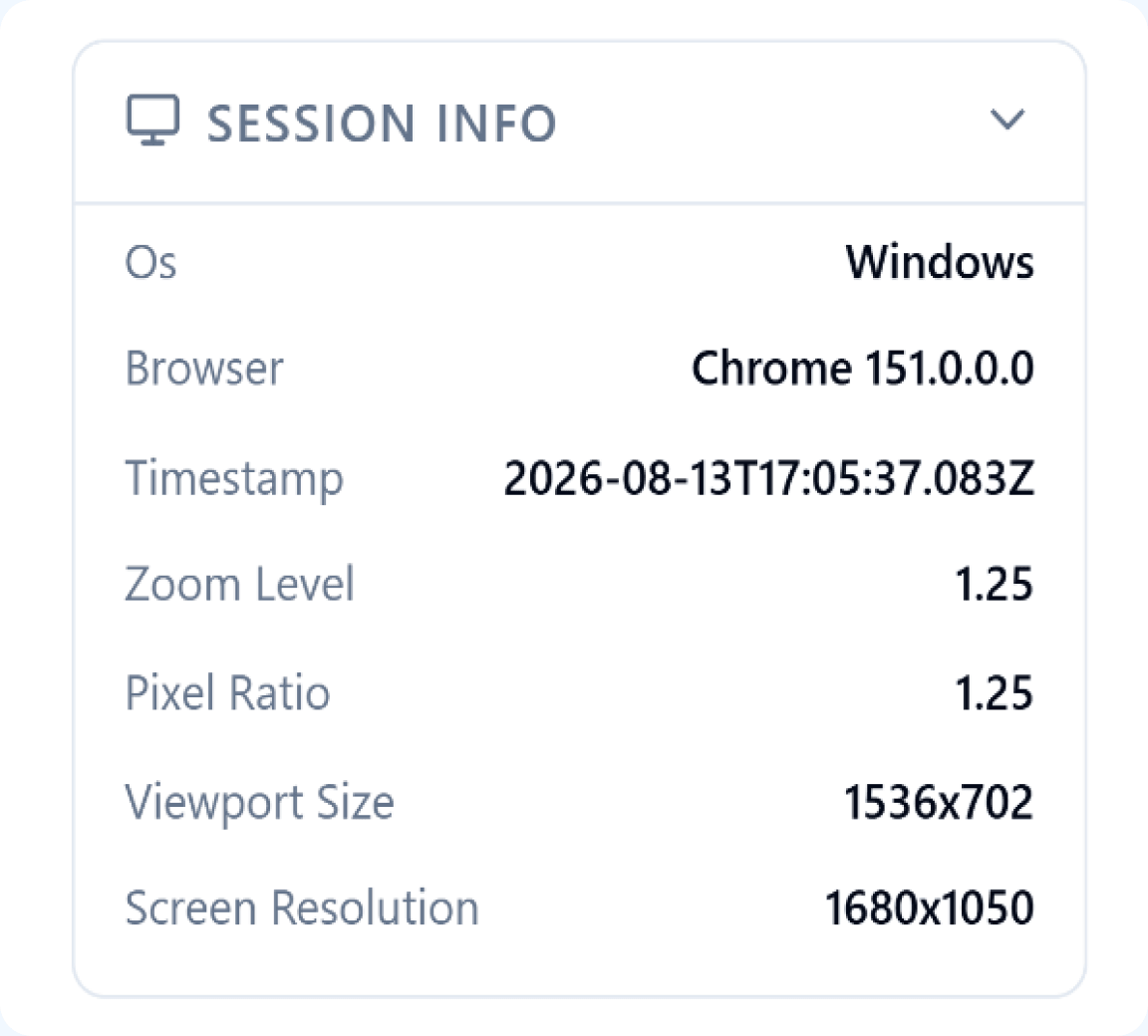
Every report auto-captures browser, OS, screen resolution, and page URL so developers have the details they need to investigate.

Annotik Visual Feedback — Auto-capture technical metadata

Frequently asked questions

Point it out. Get it fixed.

Mark exactly what's wrong, and skip the five messages it used to take to explain it.

Get Started