


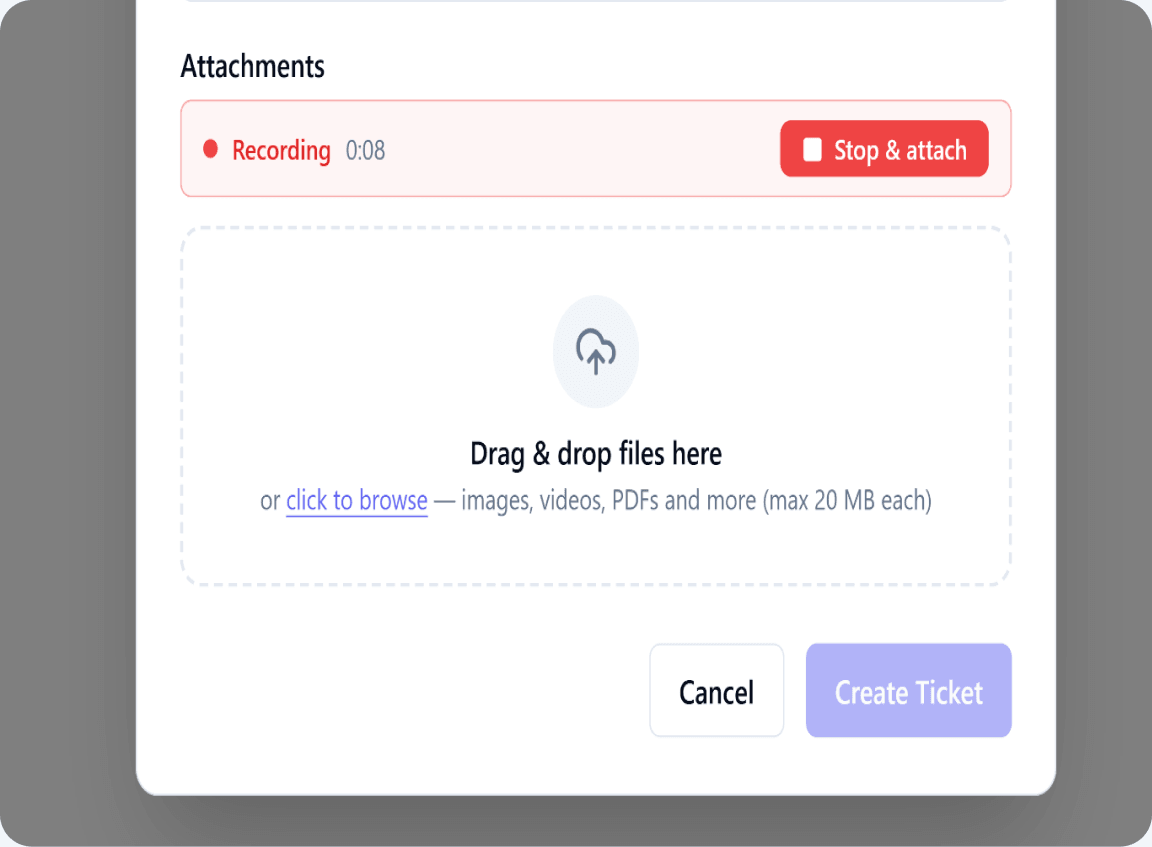
Screen recording with full interaction tracking
Show your team exactly what happened. Clicks, scrolling, and keypresses are captured alongside the recording, making tricky issues easier to understand and reproduce.
Bring design, development, and QA into one loop. Capture issues in context, compare the product with your designs, and keep every bug moving from discovery to resolution.
Capture a bug, add the context, assign it to the right person, and track it through resolution — all in one place.
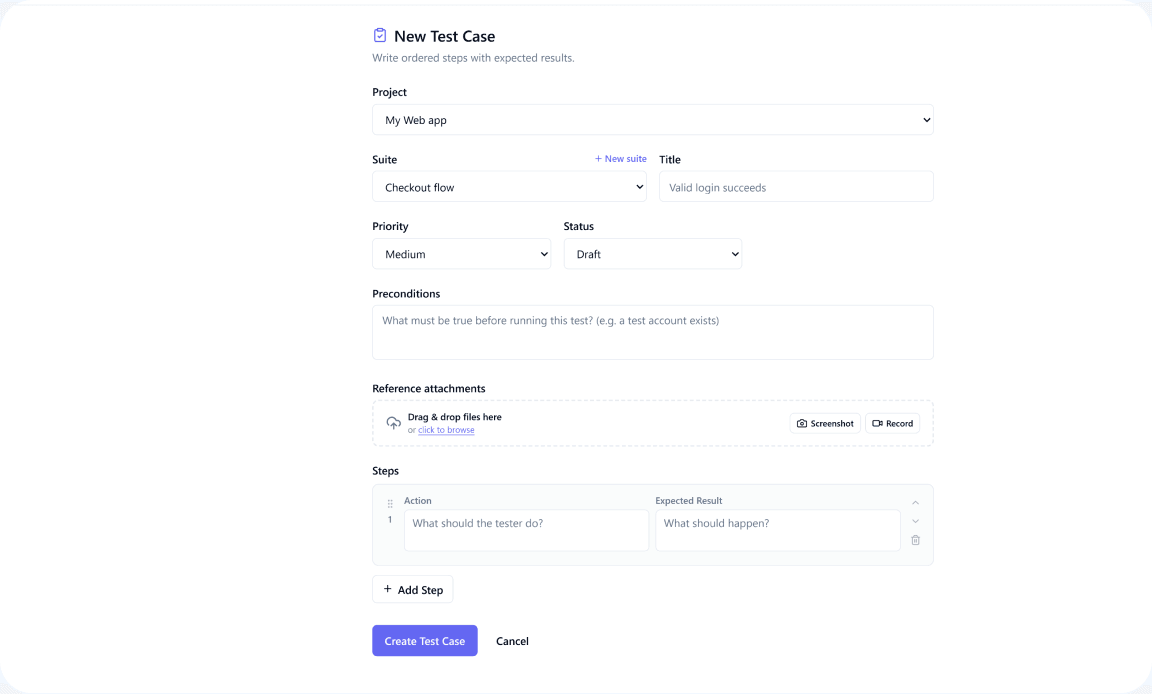
Create reusable test cases once and run them again whenever you need to check a release. Keep your important checks consistent without rebuilding the same checklist every time.
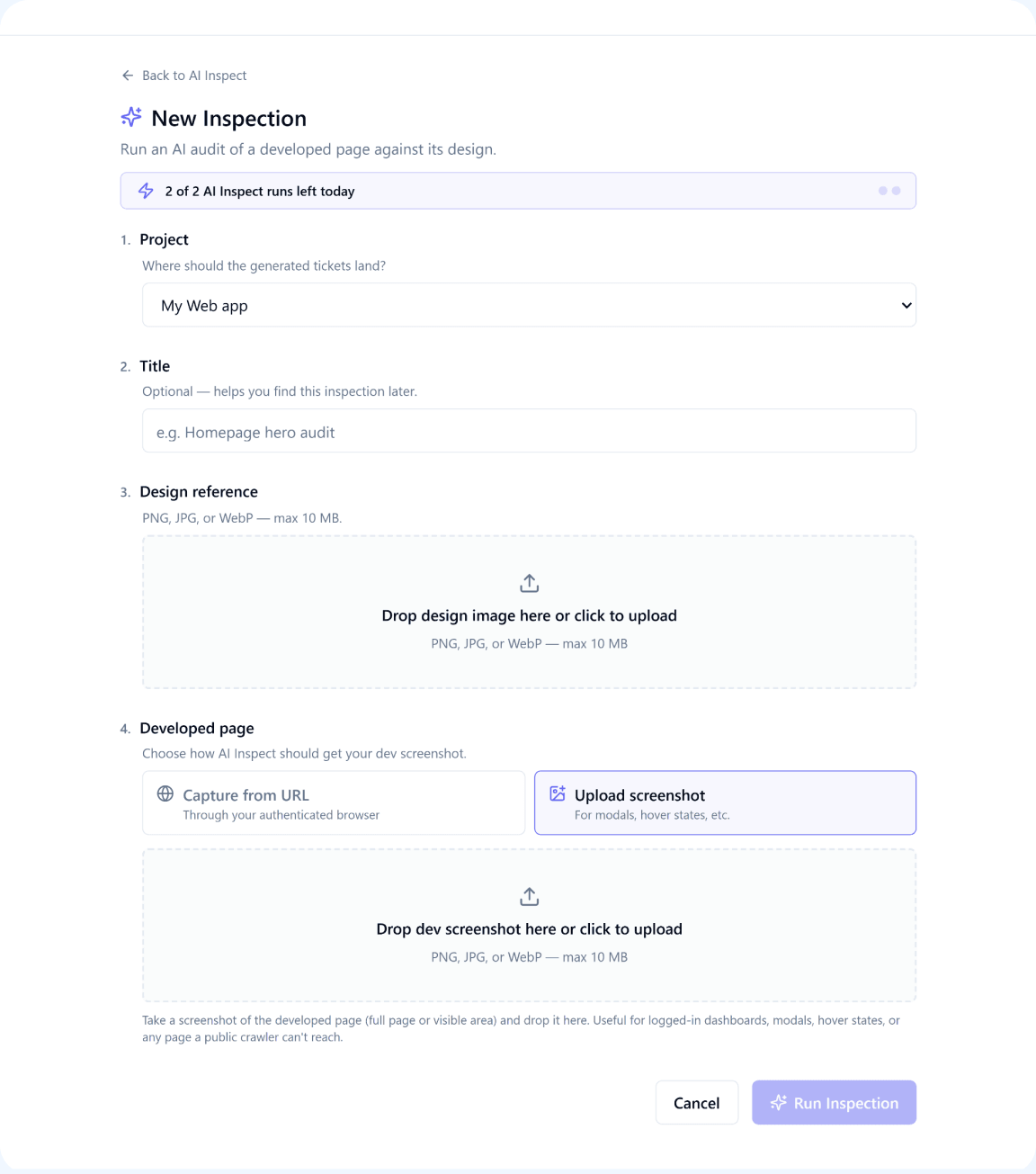
Use AI Inspect to compare your design with the live product and spot visual differences before they make it to your users.
Everything your team needs to capture issues, keep design, development, and QA aligned, and move every release from staging to ship.
Make sure the build matches the approved design before QA even begins.
Run your reusable test cases and check the things that matter every time you release.
Capture feedback directly on your staging environment with screenshots or screen recordings.
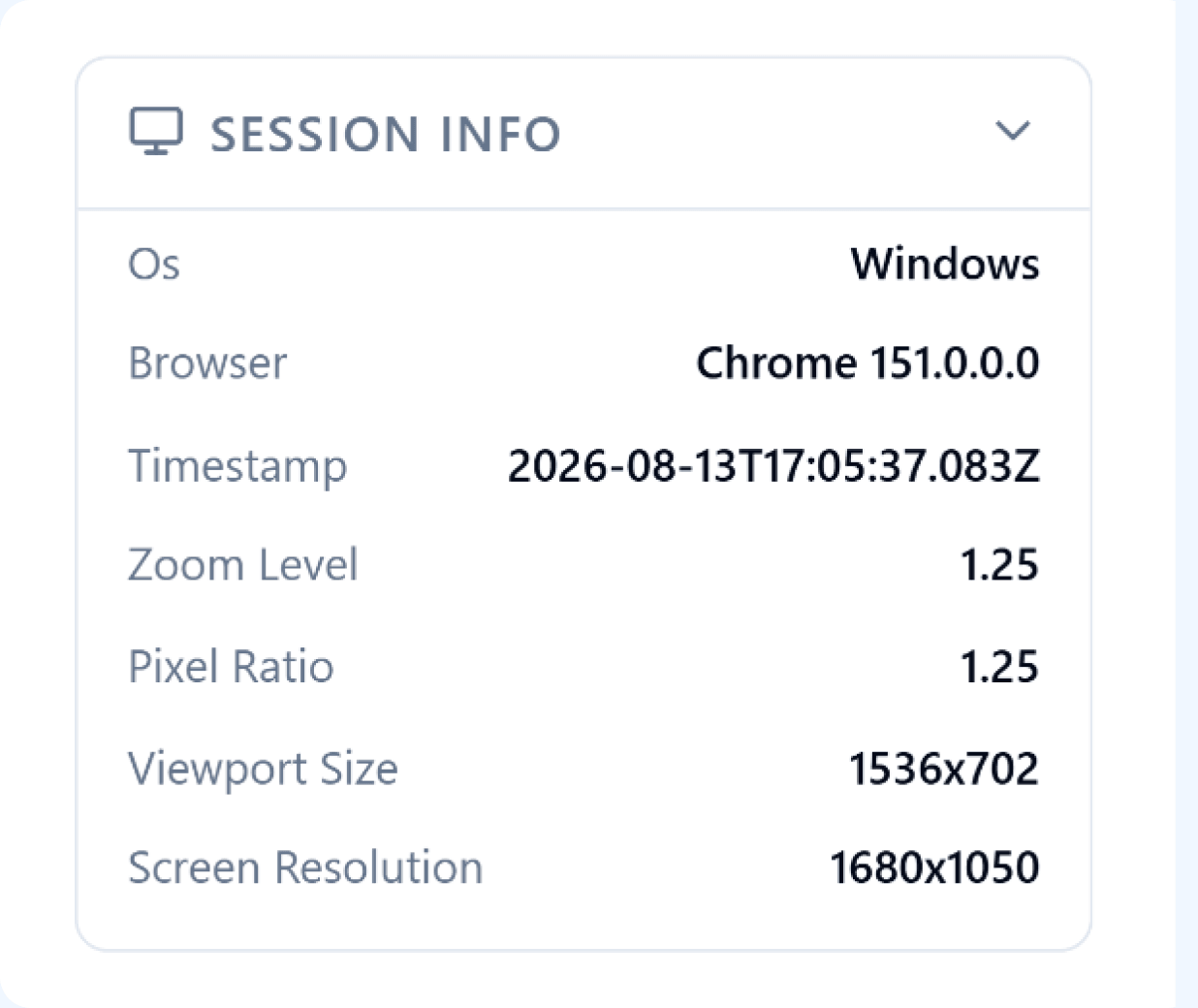
Give every issue the context your team needs — including browser, OS, screen resolution, and page URL.
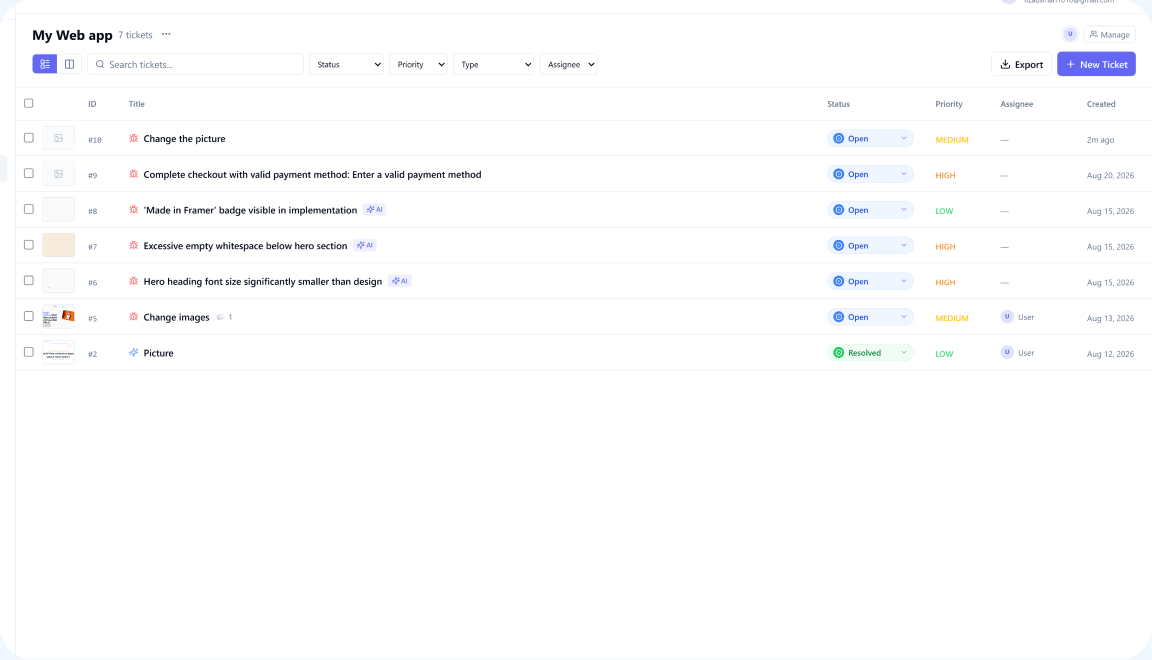
Keep track of what's open, what's being fixed, and what's ready to ship.
Show your team exactly what happened. Clicks, scrolling, and keypresses are captured alongside the recording, making tricky issues easier to understand and reproduce.
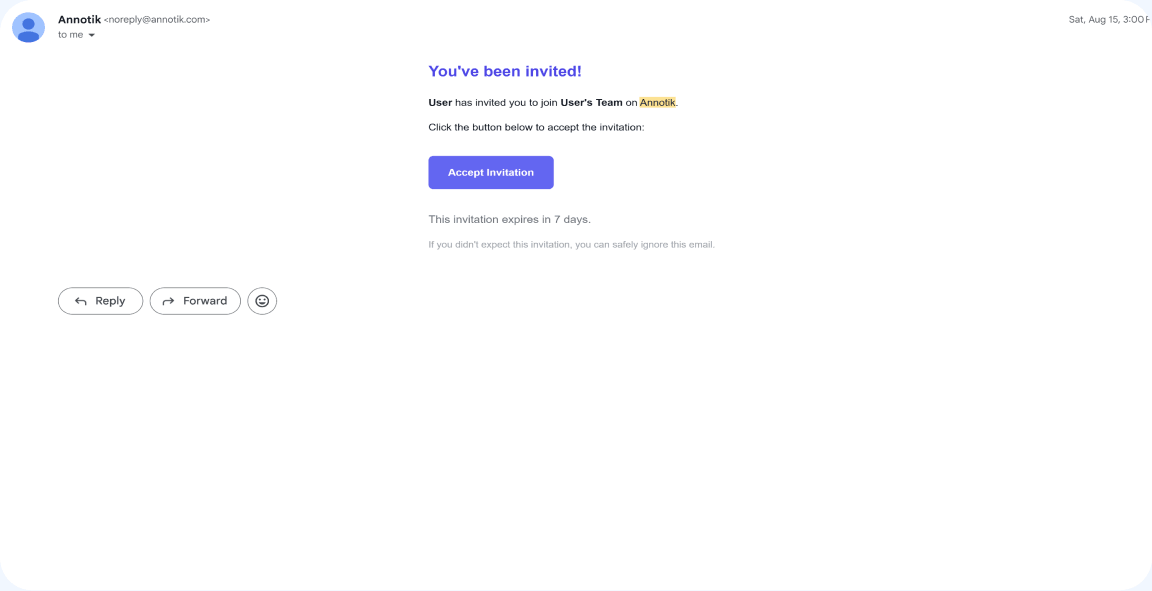
Clients and stakeholders report issues without ever creating an Annotik account.
Overlay the approved design file on the live build and catch visual mismatches before the client's the one who spots them.
Build your agency's QA checklist once, reuse it on every project and every release.
Kanban and list views, filters, and bulk actions — manage every client's feedback without exporting to a separate PM tool.
Browser, OS, screen resolution, and page URL attached to every report automatically.
Keep design, development, and QA connected — and move every issue from feedback to resolution without the back-and-forth.