What was designed vs. what was built, checked for you.
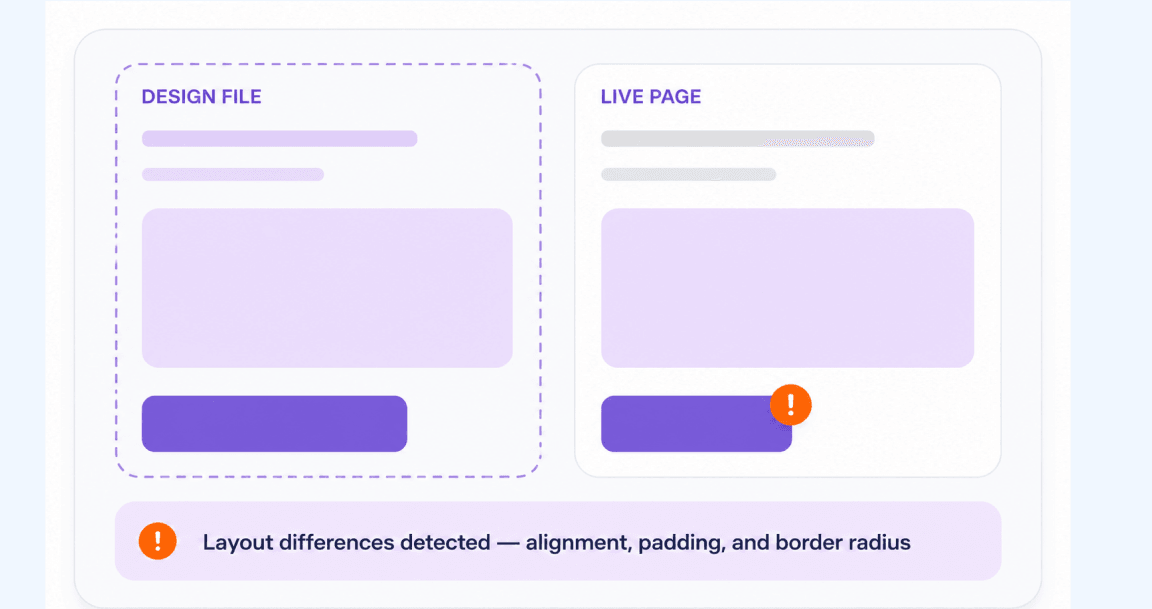
AI Inspect compares the design with the developed interface and highlights visual differences, helping your team catch inconsistencies in layout, spacing, sizing, alignment, and positioning.
Give developers everything they need to understand, reproduce, and fix issues — from automatic technical context to an AI-powered way to inspect the interface.
Develop your interface from the approved design and share the live product for review.
Use AI Inspect to compare the original design with the developed interface and identify visual differences that are easy to miss manually.
Fix the issues and ship with confidence
AI Inspect compares the design with the developed interface and highlights visual differences, helping your team catch inconsistencies in layout, spacing, sizing, alignment, and positioning.
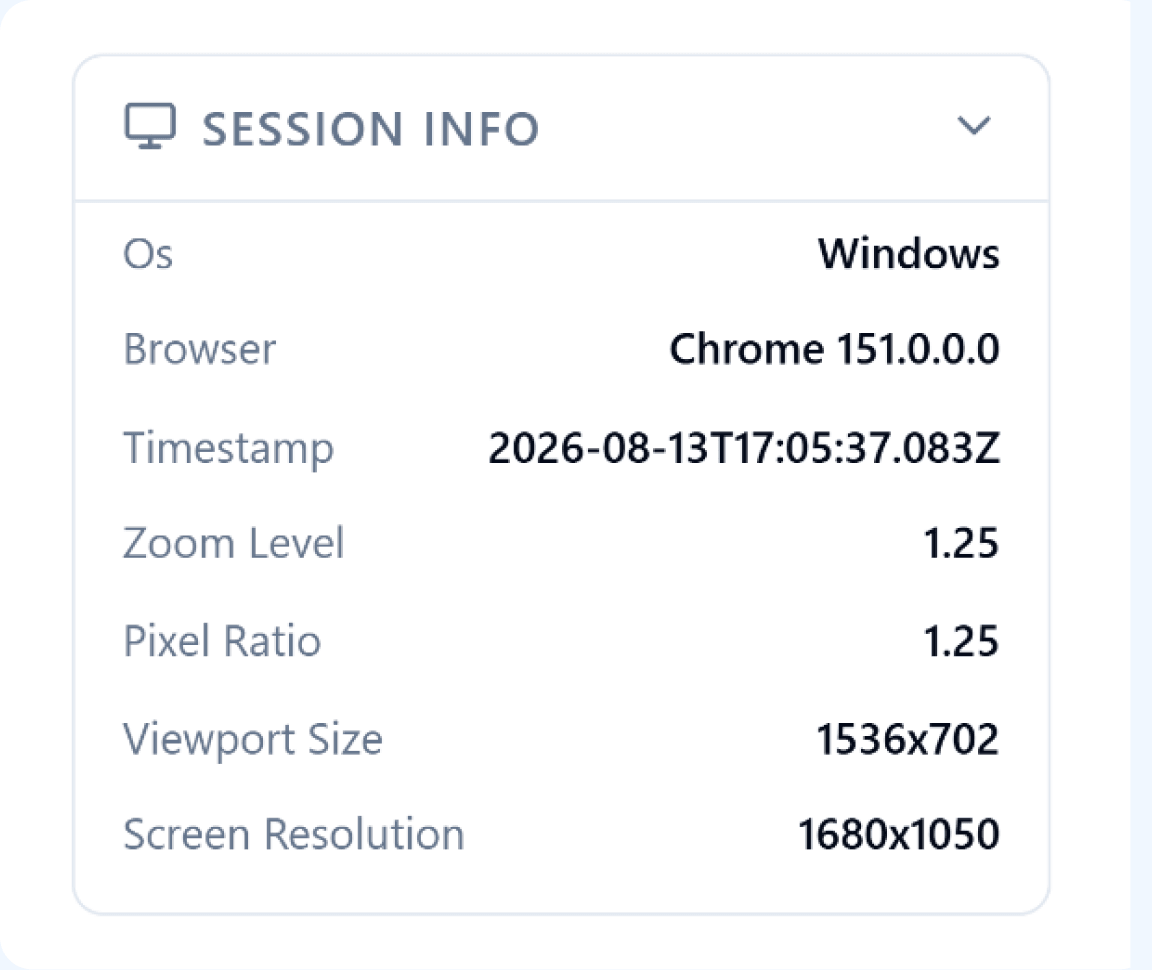
Browser, operating system, screen size, page URL, and other relevant details are captured with the report.
Give developers the technical details and design comparison they need to reproduce and resolve issues without guesswork.